Design new Figma screens in your own style with Claude.
- Updated:
- Version:
- 1.0
- Size
- 4 files

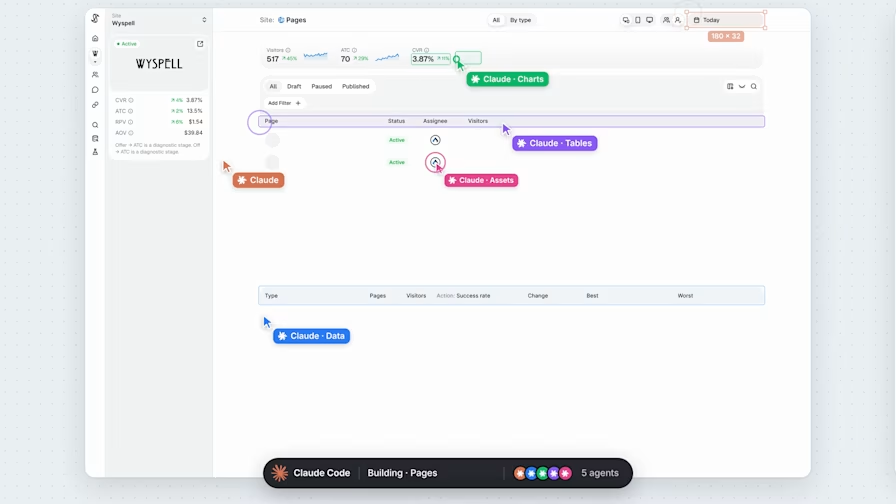
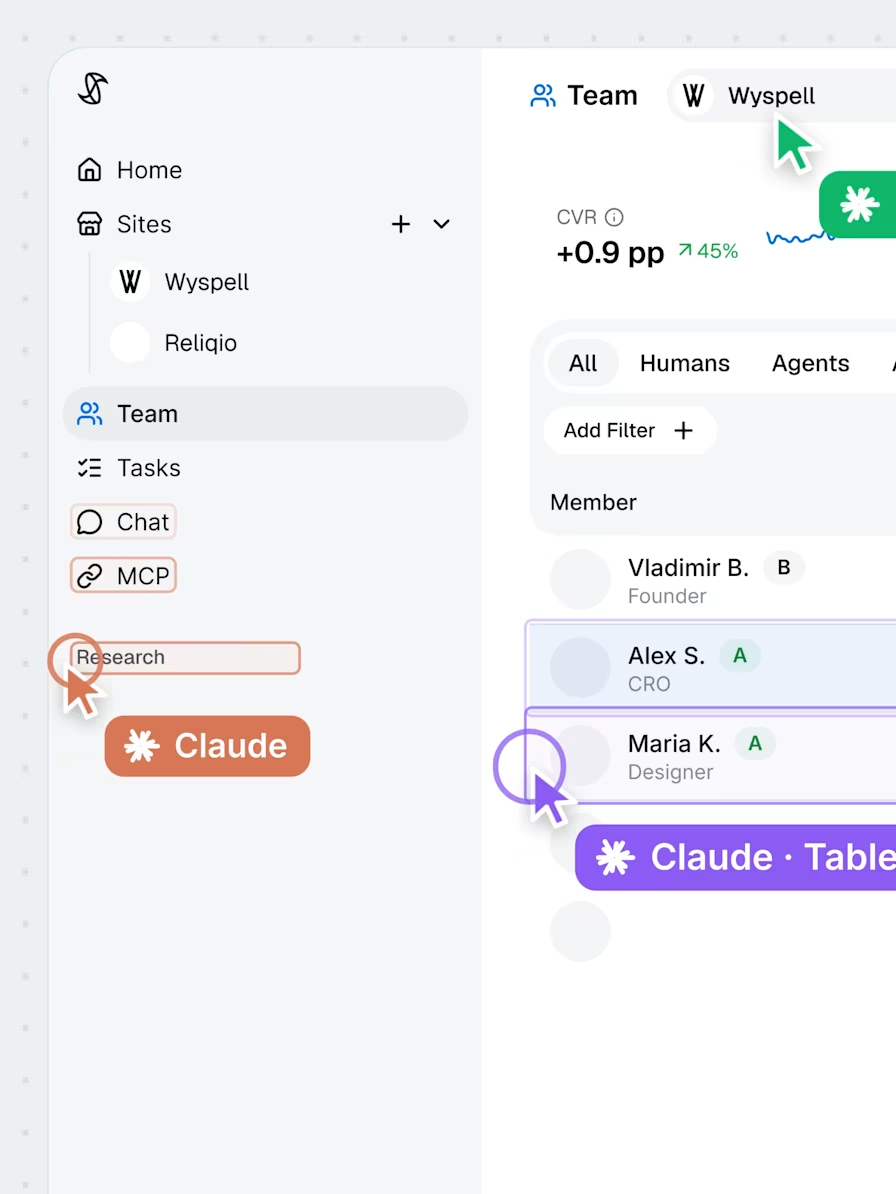
What the skill does.
You point Claude at the finished screens and the components in your Figma file, then describe the screen you need. Claude studies the file first: colors, type, spacing and recurring patterns. It reuses every component that fits and builds the missing ones in the same style.
You get a first draft that looks like it came from your file, not from a template.
What you need for a good result.
Four things decide how close the first draft lands.
- A paid Figma seat. Claude works inside your file through the Figma connector, and Figma caps how many calls it can make. One screen took us 10 to 15 calls. Starter stops at 20 a month. A Full or Dev seat on Professional gets 200 a day.
- Claude Fable 5.2. The skill was built and tested on it. The latest Opus should handle it too.
- A file worth copying. A component library, color and text styles, and finished screens. It works from two or three screens and gets more accurate from ten to sixteen.
- A precise brief. List every function the screen needs. Send it as a requirements doc, a screenshot of a rough UI, a pencil sketch in Figma or plain text. Add two sentences on what the product is and who uses it.
Google Fonts or fonts uploaded to your team work. Claude can't edit text set in a font that exists only on your computer.
How claude builds a screen in figma.
The order is fixed, and most of the quality comes from the first two steps.
- Reads the brief. Turns it into a checklist and asks about gaps before drawing anything.
- Studies the project. Every reference screen, every component, and the real values behind them.
- Plans the screen. Sorts each block: an existing component, an existing pattern, or something new.
- Builds. Starts from your closest screen, places component instances and creates what is missing.
- Checks. Compares the result with your screens and fixes what is off.
- Reports. What was reused, what is new, and what needs your eye.
What AI does well, and where the designer steps in.
We tested the skill on a mobile wellbeing app. The task was a user profile screen that did not exist yet. The first version took about 10 minutes: six existing components reused, two small ones created, every color and text style taken from the file. Reworking the header into a different layout took 4 more.
It did not get everything right. The tabs came out heavier than the main buttons, and the post list was not grouped the way a designer needs. We fixed both by hand and wrote both rules into the skill.
Product decisions, edge states and copy stay with you. So far the skill has been tested on one mobile project.
How to use it.
- Add the skill. Download the ZIP. In Claude, open Customize, then Skills, press the plus button and choose Upload a skill.
- Connect Figma. Add the Figma connector in Claude and sign in with an account that can edit your file.
- Ask for a screen. Paste the file link, say where the screens and components are, and describe what you need.
A request can look like this one, with your own file, pages and requirements:
Design a user profile screen in this Figma file: [paste the file link]

Finished screens: the "Screens" page. Components: the "Components" page.
Product: a mobile wellbeing app with a community. People use it daily to track how they feel.
The screen needs: an avatar and a name, a short bio, two main buttons, tabs, and a list of the user's posts.Make it yours.
The skill ends with a House rules section. Put your team's rules there: where new components go, what language the copy is in, whether components may be edited. They override the defaults.
The skill is plain text, so you can edit it in any editor.
Opening the files…