

You're doing your corner radius wrong.
You're doing your corner radius wrong.
The fix is one simple formula:
Inner radius + gap = outer radius
A 16px inner radius with a 12px gap needs a 28px outer radius. No more guessing, no more uneven corners.
More design tips on our website.
Related posts
 Digital product design, before and after.
 Reliqio
 Almorada's CTO on working with Reliqio.
 Ilya Khomko
 Airbnb UX: how trust turns into conversion.
 Valeria B.
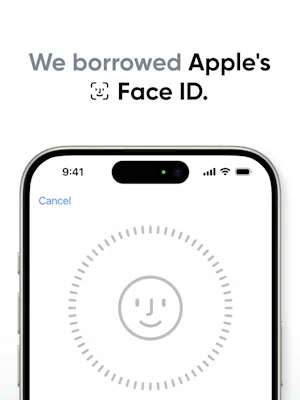 What Face ID taught us about AI product design.Reliqio
 A UX audit of the Oral-B app, screen by screen.Reliqio
 Digital product design nobody notices.Reliqio
- You're doing your corner radius wrong.
- There's nothing more annoying than seeing uneven corners.
- So instead of guessing, just follow this easy rule.
- So first, select your inner radius value.
- Add the gap to your outer element, and this equals your outer radius.
- So 16 plus 12 equals 28.
- It's easy.
Uneven corners come from guessing the radius of nested shapes. There is one formula that keeps them even.
Key points:
Start from the inner element's radius.
Add the gap between the inner and the outer element.
The sum is the outer radius: 16 + 12 = 28.
Most useful for designers building cards, buttons and other nested shapes.